Amazon DynamoDB > Các bước chuẩn bị > Sử dụng AWS Management Console > Tạo Global secondary index
Tạo Global secondary index
-
Đăng nhập vào bảng điều khiển quản lý AWS và mở DynamoDB Console tại Giao diện quản lý DynamoDB.
-
Trong thanh điều hướng ở bên trái của bảng điều khiển, chọn Tables
-
Chọn table Music từ danh sách table.

-
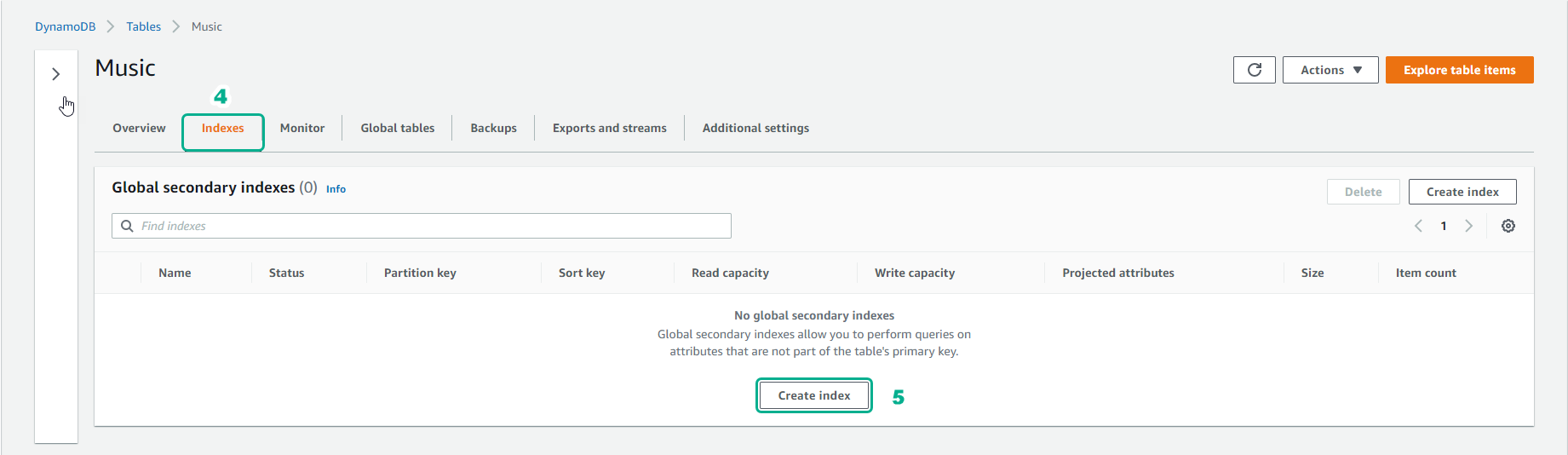
Chọn tab Indexes từ table Music.
-
Chọn Create index
-
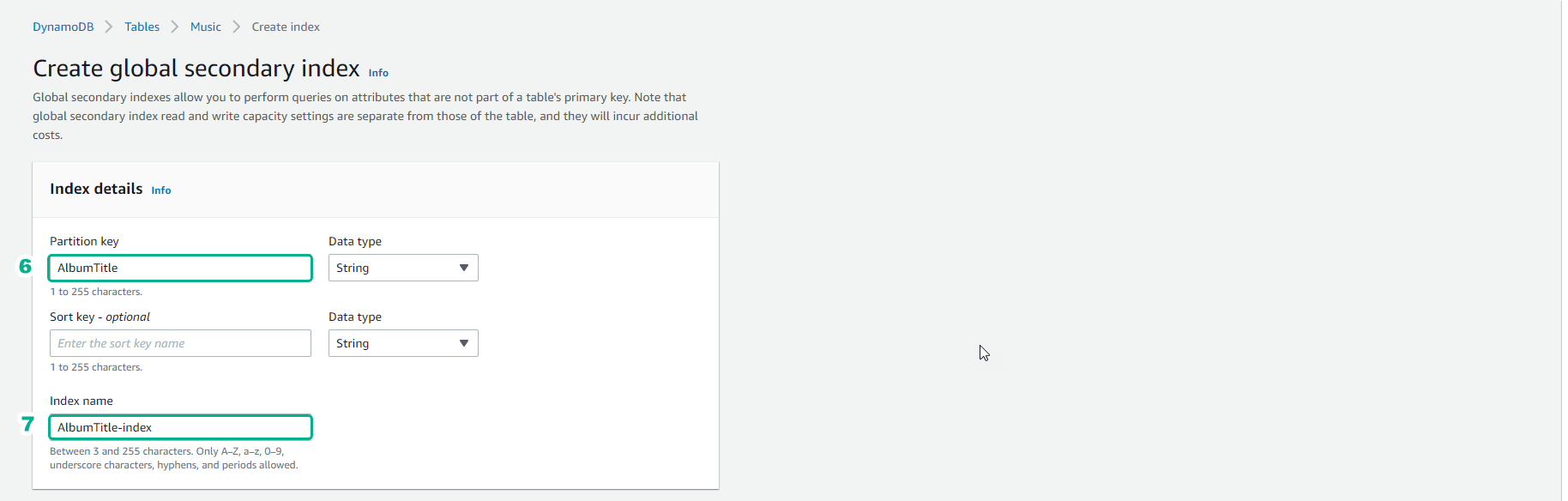
Đối với Partition key , nhập
AlbumTitle. -
Đối với Index name, nhập
AlbumTitle-index.
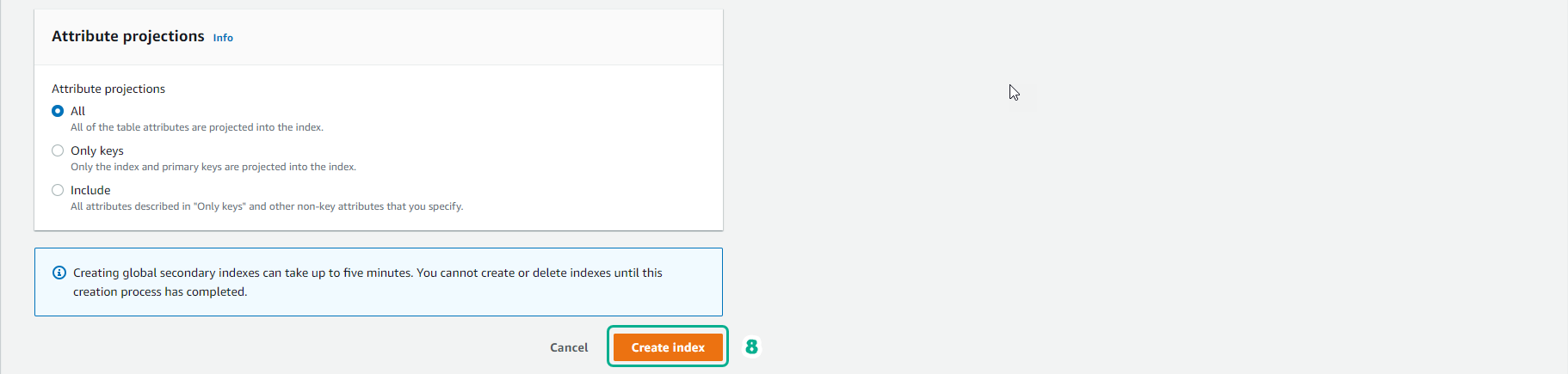
- Các item khác để mặc định và chọn Create index
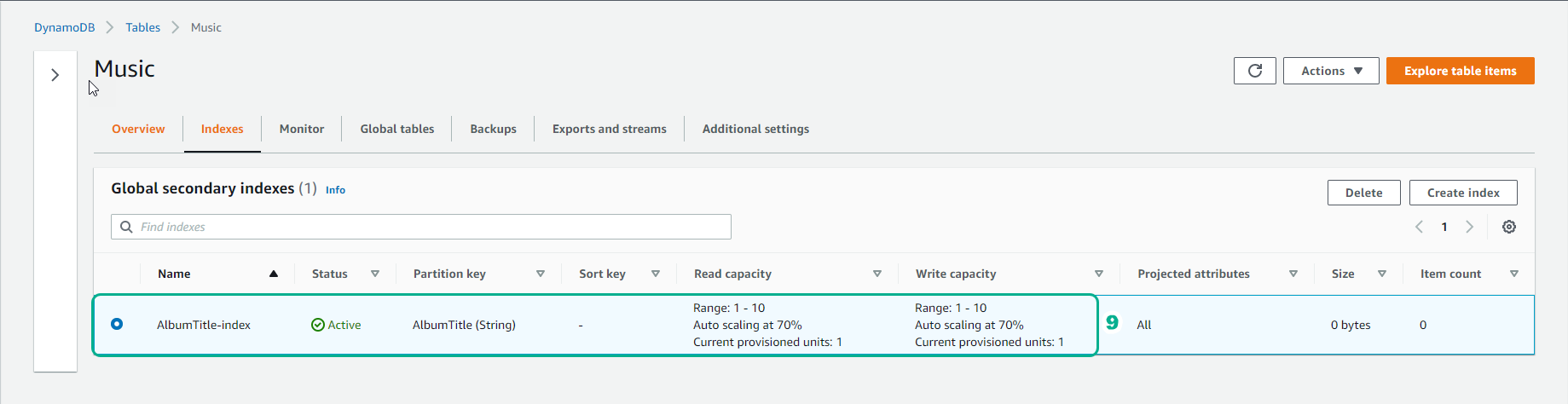
- Kết quả: